Governance & stakeholders
A contract is a promise, and promises need enforcement. Elva bakes governance into the contract object itself: what happens when a change would break consumers, which rules the schema must honor, and who gets a say before anything ships. No wiki page of process, no tribal knowledge — the policy travels with the contract.
Pick your breaking-change policy
The Governance step’s first decision is what Elva should do when a change to the contract — or drift from its sources — would break consumers:
Policy | Behavior |
Block publish | A breaking change cannot be published until it is resolved. The strictest setting — the natural choice for partner and public contracts. |
Warn & Require Ack | Publishing proceeds only after someone explicitly acknowledges the breaking change — friction by design, but not a hard stop. |
Notify only | Stakeholders are informed and the publish goes through — right for fast-moving internal contracts. |
Breaking-change policy and approval requirements are separate controls. Notify only is the default breaking-change policy. Partner Integration, Public API, and AI Agent / MCP audiences default to requiring approval; review both settings rather than assuming the audience selects a blocking policy.
Validation rules in plain language
Below the policy sits an optional validation rules box where you describe the invariants your contract’s data must respect — in English, not in a rules DSL. Suggestion chips seed the common ones:
- IDs are UUIDs
- Emails are valid
- No empty strings
- Positive numbers only
Write your own on top (“amounts are integer cents”, “dates are ISO 8601”). These rules document the contract’s expectations right where consumers — human and AI — will meet them.
Stakeholders, with roles that mean something
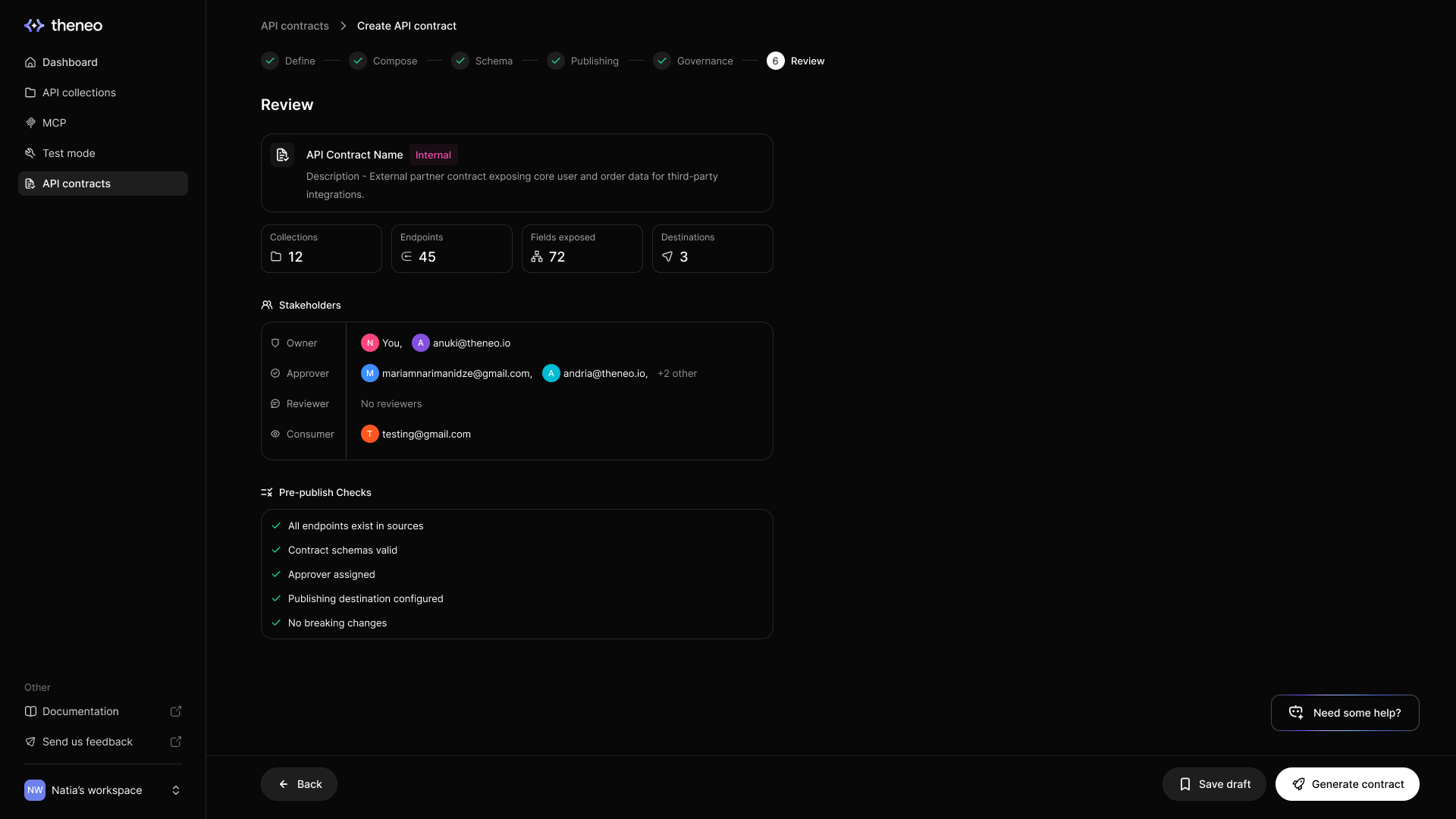
Governance is people, so the last step is inviting them. Add stakeholders by email, assign each a role, and send the invite:
Role | How they participate |
Approver | Signs off — the people your approval-required publishes wait on |
Reviewer | Gets eyes on changes and weighs in without being a gate |
Consumer | The audience — kept informed of versions and changes that affect them |
Stakeholders live on the contract’s overview page afterward: searchable, role-editable, removable, and countable at a glance. External emails work — your partner’s integration lead can be a stakeholder on the contract they consume.
Approvals apply to the contract content that was reviewed. Editing or syncing content can invalidate earlier approval. Ask assigned approvers to review the updated content before publishing.
Where to go next

Sync, drift & the changelog
See the policy in action: alerts, acknowledgments, and the version history every publish creates.

What is an API contract
Back to the concept: audiences, defaults, and everything a contract carries.
A safe release sequence
Review drift and proposed changes, sync the changes you intend to adopt, inspect the resulting endpoints and fields, and obtain approval for that content. Then publish, acknowledging warnings when the configured policy requires it. Do not approve an old draft and assume that approval covers a later sync.
Assigned approvers can review and decide without being workspace admins, subject to their membership and assignment. Contract creation, editing, synchronization, and publication remain controlled by workspace permissions.


On this page
- Governance & stakeholders